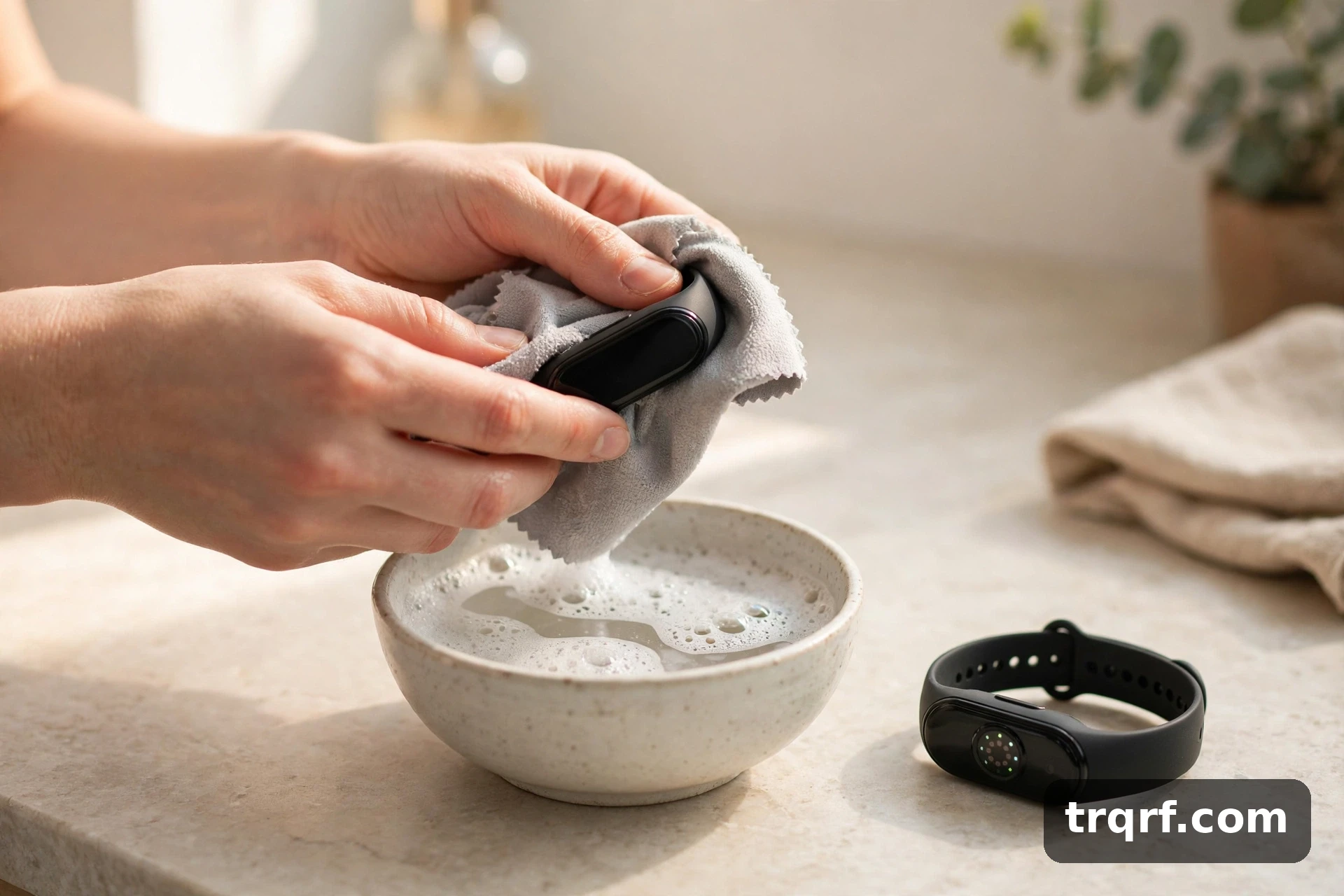
Quick answer: Take the band off, wash it with lukewarm water and mild soap, wipe body and sensors with a soft damp cloth, and dry fully first. The method changes with the band: silicone takes soap and water, leather and fabric need a gentler touch, metal needs drying. Never use bleach, hand sanitiser, or anything abrasive.
If your tracker smells, marks your wrist, or gives patchy heart-rate readings, it is probably not broken — it is dirty. Sweat, oils, dead skin, sunscreen, and lotion build up on the band and sensors, and that causes the smell, the irritation, and the unreliable readings.
Searches for this question have surged — “how to clean fitness tracker” runs at about 5,200 US searches a month, up more than 999% in three months (Ahrefs, November 2026). Most answers are one brand’s support page or a Reddit thread, and the rest say “just use soap and water” without saying the part that matters: silicone, leather, metal, and fabric bands are not cleaned the same way. This guide covers them all, plus screen, sensors, and charging contacts, for Apple Watch, Fitbit, Garmin, and the rest.
What you need
You do not need special cleaning products — they are usually the problem. All you need is a soft, lint-free cloth, lukewarm water, a drop of mild soap, a soft toothbrush, and a dry towel. Take the tracker off and, if you can, remove the band: cleaning them separately is faster, and it stops dirty water pooling where band meets case.
How to clean the band, by material
This is the part most guides skip, and it matters most: a method fine for silicone can ruin leather.
| Band type | How to clean it | How often | Avoid |
|---|---|---|---|
| Silicone / rubber | Lukewarm water + mild soap. Rub gently, rinse, pat dry. | After workouts | Bleach, hand sanitiser, abrasives |
| Leather | Barely damp cloth; a little mild soap if needed. Air-dry. | When dirty or smelly | Soaking, sunlight, radiators |
| Metal (steel, titanium) | Warm soapy water; soft cloth or toothbrush in the links. Rinse, dry. | Every 1–2 weeks | Abrasives, chlorine, leaving it wet |
| Fabric / nylon / woven | Hand-wash in lukewarm soapy water. Rinse clear, press dry, air-dry. | Weekly if worn daily | Machine washing, tumble drying, bleach |
Silicone and rubber bands
Silicone is the easiest band to look after, and the one that smells first: it is slightly porous, so sweat and oils sit in it. Wash it under lukewarm running water with mild soap and rinse. If the smell lingers, wash it again and air-dry it completely — a damp band put straight back on keeps the smell coming back. Apple’s cleaning guidance for its silicone bands takes the same approach: mild, hypoallergenic hand soap and water.
Leather bands
Leather is the one band type you should never soak: water stains and breaks it down, and soap left in it stiffens it. Wipe it with a barely damp cloth, using a little mild soap only on a visible mark, then wipe the soap off. Let it dry naturally, away from radiators and sunlight. If you work out in leather regularly, swap to silicone for exercise — leather and daily sweat do not mix.
Metal bands
Metal link bands trap sweat and dead skin between the links — that is where the grime and smell hide. Soak briefly in warm soapy water, then work a soft toothbrush between the links. Rinse and dry fully, including between the links: water left in the joints leaves spots and can irritate skin. No abrasive cleaners or metal polish — they scratch the finish.
Fabric and woven bands
Fabric bands absorb sweat like a t-shirt, so they need the most regular washing. Hand-wash in lukewarm soapy water, rinse until the water runs clear, and press the water out gently — do not wring it, which stretches the weave. Air-dry completely, ideally overnight: a band still damp when you put it on smells by evening. Machine washing and tumble drying fray the weave and damage the connectors, so skip both. A guide covering Apple, Fitbit and Garmin cleaning gives the same advice for nylon and fabric bands: rinse, don’t machine-wash.
How to clean the tracker body: screen, sensors, and charging contacts
The screen
Wipe the screen with a soft, lint-free cloth, slightly damp for smudges. Skip paper towels and tissues — they are rougher than they feel and can scratch — and never spray cleaner directly onto the screen.
The sensors
The sensors on the back — the small glass windows that read your heart rate — are the part most people never clean, and the one that matters most for accurate readings. Wipe them with a soft, slightly damp cloth, using a soft toothbrush gently on build-up around the edges. A film of sweat, sunscreen, or lotion over the sensor is a common cause of patchy heart-rate data.
The charging contacts
If your tracker charges through metal contacts on the back, they need to be clean and dry, or it will charge slowly — or not at all. Wipe them with a dry soft cloth; for visible grime, dampen the cloth slightly, wipe, then dry fully. Never charge while the contacts are wet, and never scrape them with anything metal.
How to get rid of the smell
The “band smell” question — “how to clean apple watch band smell” is a top version of this query — has a simple answer: it is almost always the band, not the tracker. Sweat and bacteria build up in the band’s pores, and the smell returns every time the band gets damp.
To fix it, wash the band for its material (see the table above), then let it dry completely — genuinely completely, not just “dry to the touch.” If you wear the tracker daily, keep a spare band. If a silicone or fabric band still smells after two proper washes and full drying, replace it: the smell is in the material now, not on it. Taking the tracker off for an hour a day also helps — if you already have a rash, stop wearing it until the skin heals, then clean the band and check the fit.
What never to use
If it is strong enough to disinfect a kitchen, it is too strong for a device you wear on your skin:
- Bleach and household cleaners — discolour bands, damage water seals, irritate skin.
- Hand sanitiser and strong alcohol-based cleaners — dry out leather and fabric bands. A 70% isopropyl wipe is fine on a watch case or a metal band — Apple’s guidance says so — but keep it off leather and fabric.
- Abrasive cloths, sponges, and powders — scratch the screen and the sensor glass.
- Ultrasonic cleaners and steam — heat and vibration damage seals and sensors.
- Hair dryers and radiators — heat warps bands and damages the battery. Air-dry instead.
When in doubt: mild soap, lukewarm water, soft cloth. If a product is not one of those three, do not use it.
How often should you clean it?
After every sweaty workout, rinse the band and wipe the body and sensors dry — thirty seconds stops most smell and build-up before it starts. Once a week, wash the band for its material and wipe the sensors and contacts. Once a month, take the band off, clean the grooves and case, and check for wear — stretched holes, fraying, or cracked silicone mean it needs replacing.
Frequently asked questions
Can I wear my fitness tracker in the shower?
Most modern trackers are water-resistant, so a shower will not kill them — but it is not good for them. Soap, shampoo, and hot water leave residue on the sensors and wear out leather and fabric bands faster. If you do shower with it on, rinse it under clean lukewarm water afterwards and dry it fully. Check your model’s rating first: “water-resistant” and “swim-proof” are not the same thing.
Can I clean my fitness tracker with hand sanitiser?
No. Hand sanitiser is mostly alcohol, and alcohol dries out silicone and leather, clouds screens, and can damage sensors. Use mild soap and water instead. The same goes for disinfectant wipes — they are made for hard surfaces, not skin.
Why does my fitness tracker band smell?
Sweat and bacteria build up in the band, especially silicone and fabric, and the smell returns every time the band gets damp. Wash the band for its material (see the table above) and dry it completely before wearing it again. If the smell survives two proper washes and full drying, replace the band.
Will cleaning my tracker fix inaccurate heart-rate readings?
Often, yes — a film of sweat, sunscreen, or lotion over the sensor is a common cause of patchy readings, and cleaning it fixes it. If readings are still off, check the fit: the tracker should sit snugly, a finger’s width above the wrist bone, and not slide during exercise.